Free AI Vectorizer | Convert Images to SVG Vectors
Free online image to SVG converter. Vectorize your PNG and JPG files into scalable vector graphics that stay sharp at any resolution.
Upload Image
Drop, paste, or click to upload
PNG JPG JPEG up to 9MB
Press Ctrl/Cmd + V to paste
How it works
Upload
Drop a PNG or JPG. Logos, icons, and high-contrast graphics work best.
Convert
The tracer picks out colors and builds vector paths from your image.
Download
Grab your SVG. You can tweak the detail level before downloading.
Raster vs vector
Zoom in and see the difference. Pixels blur, vectors don't.
Raster Image

Becomes pixelated when scaled
Vector (SVG)
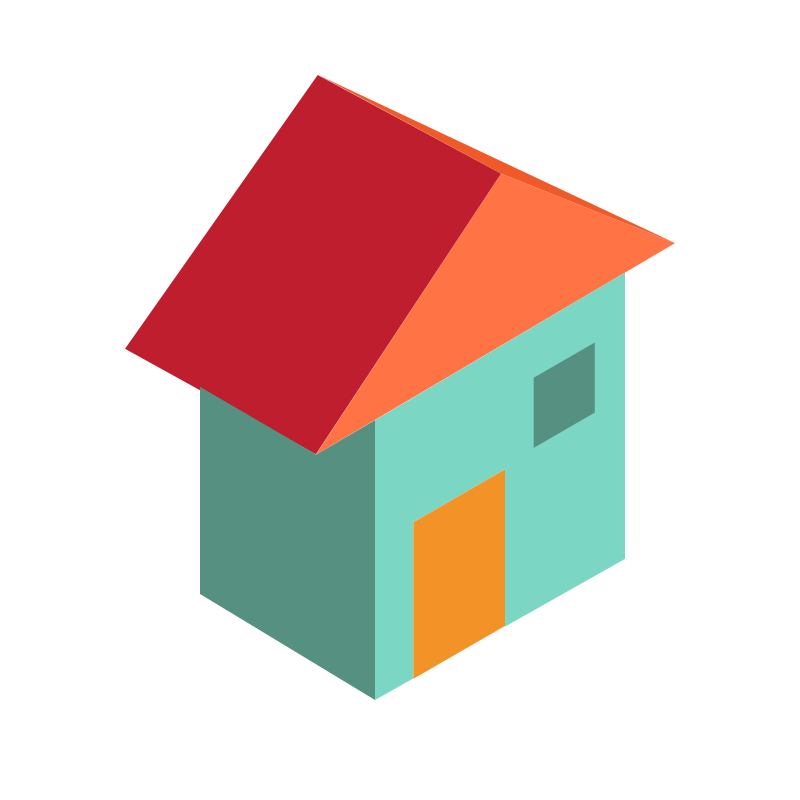
Stays sharp at any scale
Works well for
Logo VectorizationIcon ConversionLine Art TracingSimple GraphicsSilhouettesText to VectorClipart ConversionBadge Design
Works well with flat, high-contrast images. Not great for photographs or anything with gradients.
Common questions
It converts pixel-based images (PNG, JPG) into SVG files. SVGs use math instead of pixels, so they scale to any size without getting blurry. Useful for logos, icons, and graphics you need at multiple sizes.
PNG and JPG/JPEG. You'll get the best results with high-contrast images that have clear edges — logos, icons, line art, simple graphics. Photographs and complex scenes won't convert as well.
Yes, completely free. No watermarks, no sign-up required.
The converter samples your image, picks out the distinct colors, and creates a separate vector path for each one. The result looks like your original image but built from scalable shapes instead of pixels.
It controls how closely the tracer follows your image. Higher detail means more paths and finer color distinctions. Lower detail gives you a simpler, cleaner SVG. You can switch between levels after converting.
Yes, the SVGs you create are yours — commercial use included. Just make sure you have the rights to the source image. This tool converts images; it doesn't grant copyright to the original work.