Why SVG Is Eating the Web in 2026 (And What That Means for Your Workflow)
SVG now powers over 65% of all websites. Here's how vector graphics became essential infrastructure for modern web design and what you need to know.
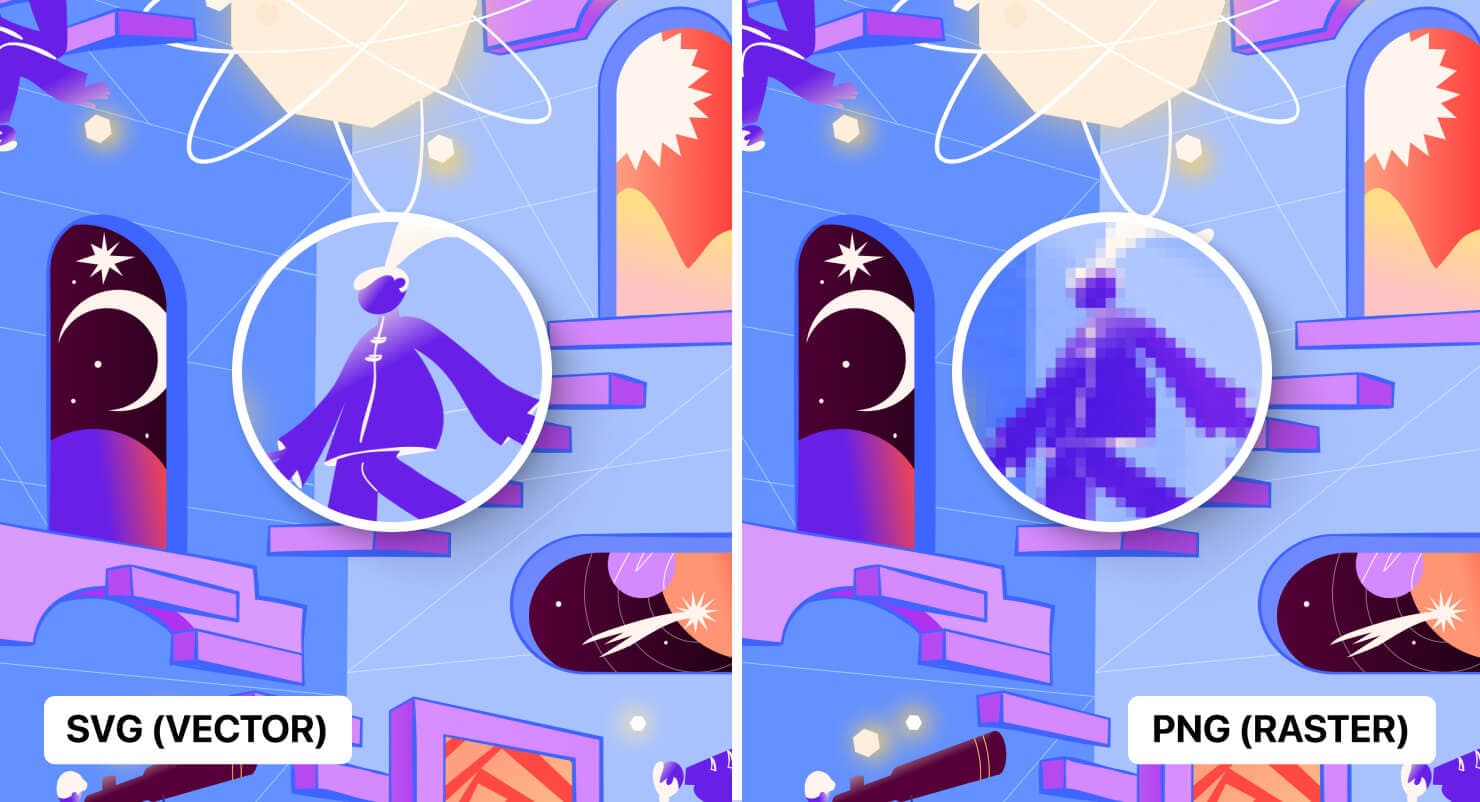
I've been working with SVGs for probably close to a decade now, and I gotta say, the landscape in 2026 looks nothing like what we had even two years ago. SVG went from being that format designers used for logos and icons to basically becoming the backbone of modern web design. And I don't think that's an exaggeration.
Over 65% of all websites now use SVG imagery. That's up from 63.3% just last year. The growth isn't slowing down. If anything, it's accelerating because organizations are finally treating vector graphics as critical infrastructure, not just a nice-to-have format option.
So yeah. Let me break down what's actually happening with SVG right now, why it matters, and how it's probably going to change the way you work.
The Shift From "Nice Format" to "Essential Infrastructure"
Here's what changed. SVG used to be a conversation about image formats. PNG vs SVG vs WebP. That kind of thing. Now it's a conversation about architecture. Design systems, cross-platform experiences, automation pipelines. SVG sits at the center of all of it.
Think about it. Your icon system? SVG. Your illustrations that need to work on a phone and a 4K display? SVG. Your animated hero sections? SVG. Your data visualizations? SVG. The logo that appears in your email signature, your favicon, your Open Graph image, and your app icon? SVG is the source for all of them.
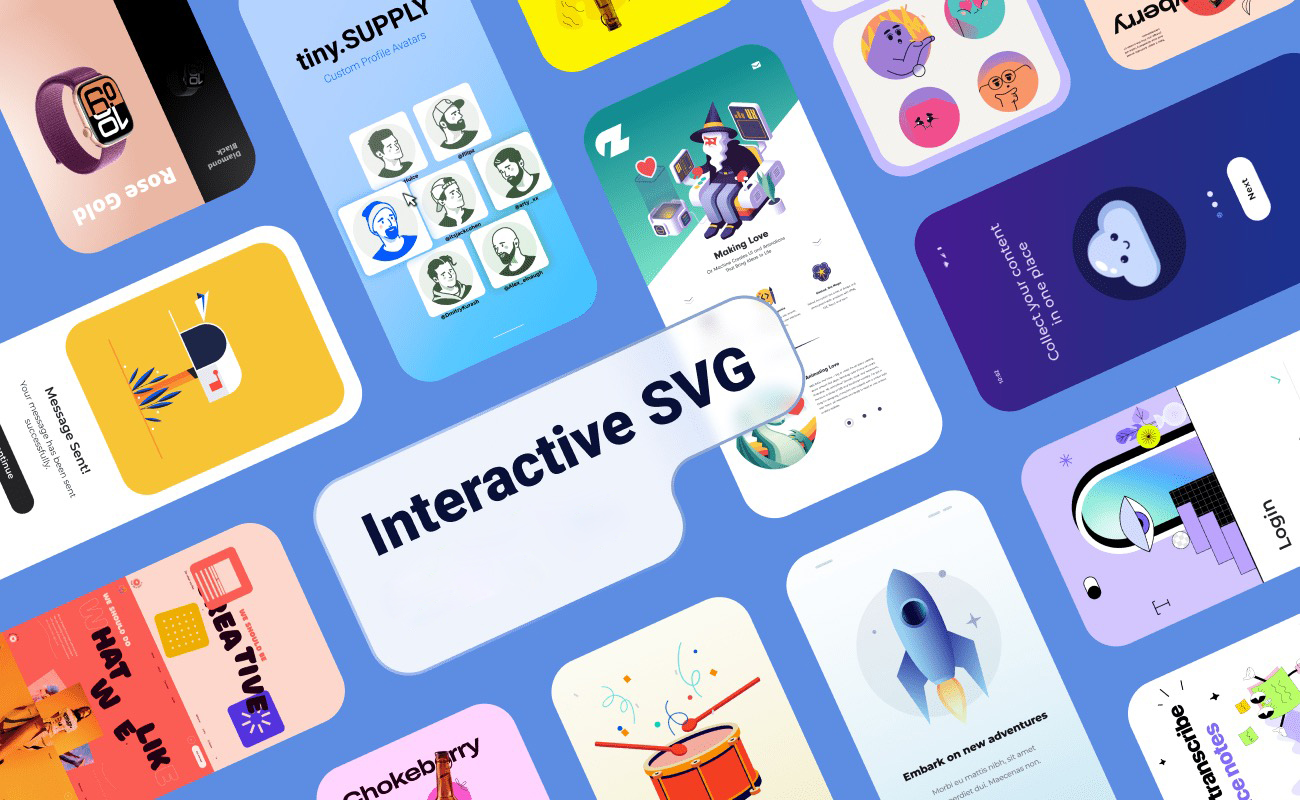
The reason this matters is that we've crossed a threshold where it's genuinely harder to build a modern website without SVG than with it. That wasn't true five years ago. It's definitely true now.
Why Enterprise Teams Finally Got On Board
Enterprise adoption was always the missing piece. Individual developers and small agencies were using SVG years ago. But large organizations moved slow because of tooling concerns, legacy browser support requirements, and honestly just inertia.
What changed? A few things happened at once:
- Performance budgets got real. Teams started measuring Core Web Vitals seriously, and raster images were the obvious bottleneck. SVG files are typically 60-80% smaller than equivalent PNGs for UI elements.
- Design systems scaled up. When you're managing 500+ icons across multiple products and platforms, maintaining raster assets at 3-4 different sizes becomes a nightmare. SVG solved this overnight.
- Responsive design matured. We stopped thinking about fixed breakpoints and started thinking about fluid, container-based layouts. SVG scales infinitely. That's not a marketing claim, it's literally how the format works.
- Accessibility requirements tightened. SVG is DOM-accessible. You can add ARIA labels, title elements, description elements. Screen readers can parse them. Try doing that with a PNG.
SVG Animation in 2026: Way Beyond Spinning Loaders
Okay so the animation side of SVG has honestly blown up this year. And I'm not talking about those basic CSS spinner animations that everyone was doing back in 2020. The stuff people are shipping now is genuinely impressive.
SVG loaders alone have become their own design discipline. Teams are creating loading experiences that feel intentional and branded rather than generic. The performance advantage is real too. An SVG loader that weighs 2KB versus a Lottie animation at 50KB or a GIF at 200KB. There's no contest.
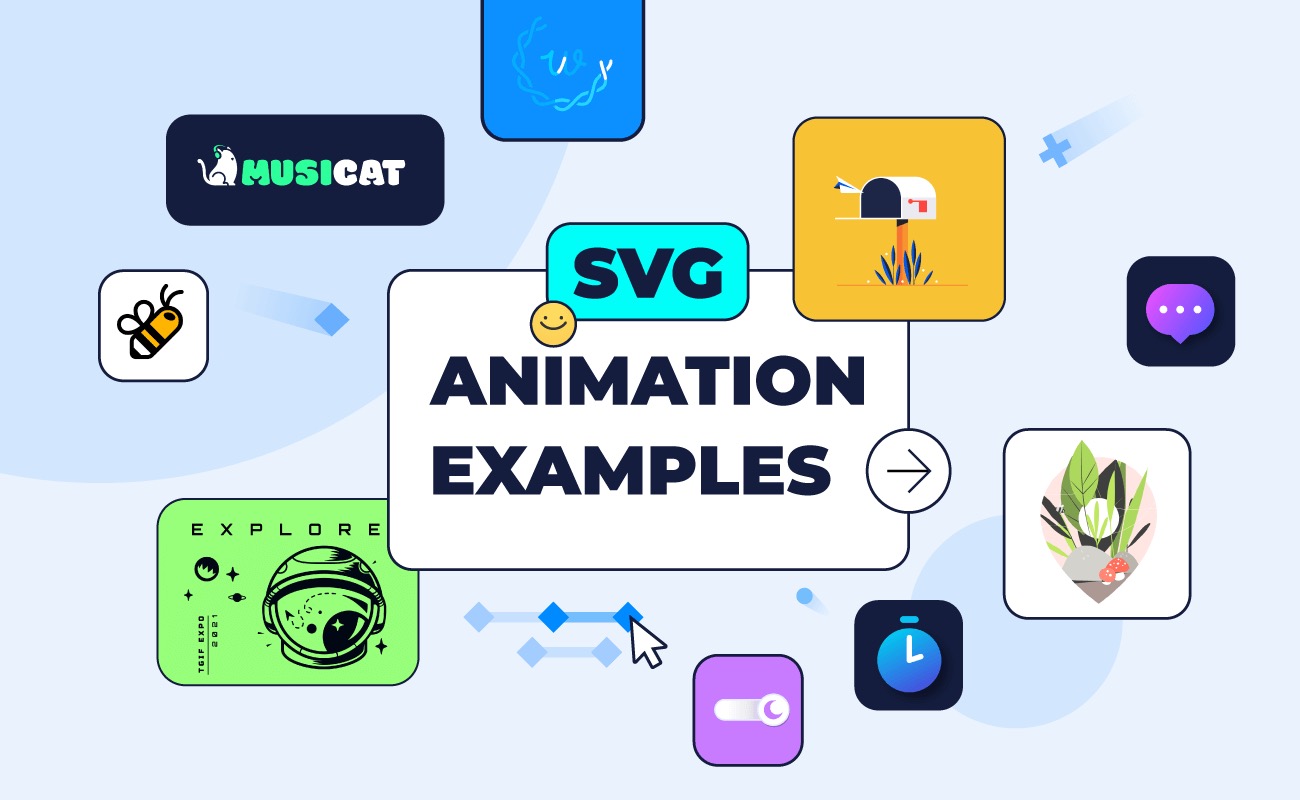
But loaders are just the start. Here's what I'm seeing in production:
Scroll-Triggered SVG Narratives
This is probably my favorite trend right now. Designers are creating SVG illustrations that reveal themselves as users scroll. Path drawing animations, morphing shapes, elements that respond to scroll position. It turns a static page into a story.
The technique uses stroke-dasharray and stroke-dashoffset combined with scroll-linked animations (which now have solid browser support through the Scroll Timeline API). The result is these beautiful narrative sequences that load fast and work everywhere.
Micro-Interactions With SVG
Button hover states that morph icons. Toggle switches where the thumb morphs between a sun and moon. Navigation items that animate their stroke paths on focus. These small details add up to an experience that feels crafted.
The best implementations I've seen keep these animations under 300ms. Quick enough to feel responsive, slow enough to register. And because it's all SVG and CSS, there's no JavaScript overhead for the animation itself.
SVG Filters Are Having a Moment
CSS filters are fine. But SVG filters are on another level. You can create custom blur effects, displacement maps, color matrix transformations, and morphological operations that CSS simply can't do. Designers are using feTurbulence and feDisplacementMap to create organic, almost liquid effects that feel alive.
I saw a portfolio site last month that used SVG filters to create a water ripple effect on hover. No canvas, no WebGL, no JavaScript animation library. Just SVG filters and a bit of CSS. And it ran at 60fps on mobile. That's the kind of thing that would have required a heavy library two years ago.
CSS and SVG: The Integration Keeps Getting Tighter
One of the most underappreciated developments is how deeply CSS and SVG are merging. We're at a point where the line between "styling a webpage" and "manipulating vector graphics" is basically gone.
CSS Properties That Work in SVG
You can now use CSS to control virtually every visual aspect of an SVG:
fillandstrokerespond to CSS custom propertiespaint-orderlets you control the stacking of fill, stroke, and markers- CSS animations and transitions work on SVG transforms
clip-pathwith SVG clip paths creates complex masking- CSS
filtercan reference SVG filter definitions
This means your SVG icons can inherit colors from their parent elements through currentColor. Your design system's color tokens work directly with SVG. No more maintaining separate color values for vector assets.
Container Queries and SVG
Here's something not enough people are talking about. Container queries work with SVG. You can have an SVG component that responds to the size of its container, not the viewport. So the same illustration can show more or less detail based on how much space it has.
I've been experimenting with this for icon sets. At small sizes, show the simplified version. At larger sizes, add detail. All from one SVG file, all controlled by CSS container queries. It's kind of magic.
SVG Masks and Shape Dividers: Breaking the Grid
Designers are done with rectangular sections. Like, genuinely done. And SVG is the tool making that possible.
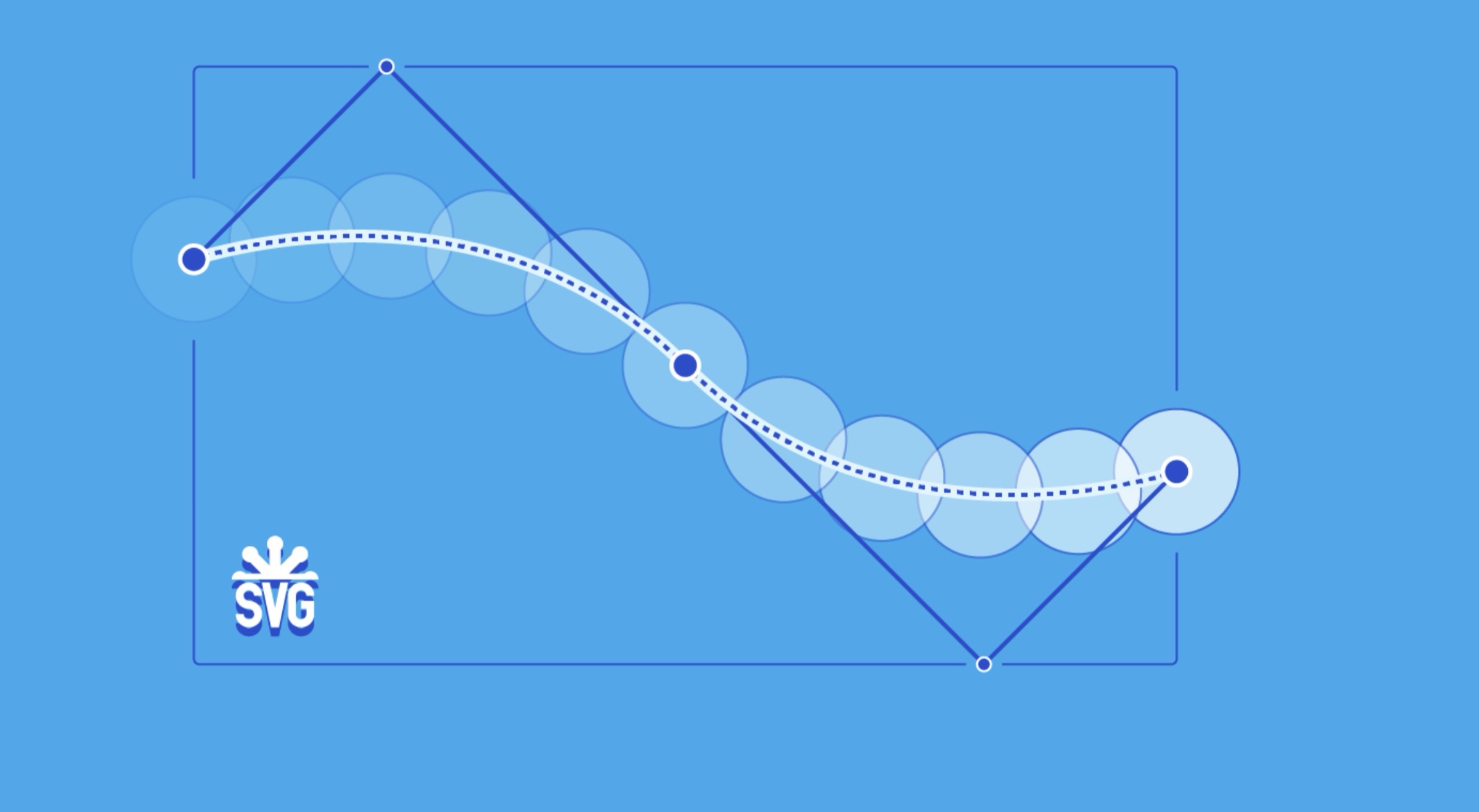
SVG-powered masks and shape dividers let you create smooth, organic transitions between page sections. Wavy dividers, diagonal cuts, curved headers, blob-shaped content areas. These aren't new concepts, but the implementation has gotten so much cleaner.
The current approach uses clip-path with inline SVG paths or references to SVG clipPath elements. Combined with responsive SVG paths that use preserveAspectRatio and viewBox correctly, you get section dividers that scale perfectly at any viewport size.
And the performance cost? Basically zero. We're talking about a single path element with maybe 10-20 coordinates. That's nothing compared to what a background image would cost.
When Shape Dividers Go Wrong
I should mention this because I see it constantly: badly implemented shape dividers that leave 1px gaps between sections on certain zoom levels. The fix is simple. Overlap your sections by 1-2 pixels and make sure your SVG paths extend slightly beyond the visible area. But so many sites still have those tiny lines showing through. Drives me crazy.
The SVG 2.0 Elephant in the Room
Okay so we need to talk about SVG 2.0. Because it's kind of a mess.
The SVG 2 spec has been in "Candidate Recommendation" status since 2018. Eight years. The W3C's charter basically pivoted from innovation to maintenance. Browser teams showed limited interest in implementing the new features that were specified. The whole thing stalled.
This has created a weird situation where SVG 1.1 is the de facto standard, but it was published in 2011. So we have a 15-year-old specification powering 65% of the web. And the replacement that was supposed to fix its limitations is essentially in limbo.
What SVG 2.0 Was Supposed to Fix
The spec had genuinely useful stuff in it:
- Mesh gradients for complex, multi-point color transitions
- Better text handling including wrapping and more advanced layout
- Hatching patterns for fill
- Improved path syntax with bearing-based coordinates
- Better integration with HTML including removing the need for namespace declarations
Some of these features have been partially implemented by browsers anyway. Chrome and Firefox support parts of the SVG 2 spec even though it's not officially finalized. But the support is inconsistent and you can't rely on it in production.
The Pragmatic Response
Here's what actually happened while the spec stalled: the community just... worked around it. CSS took over features that SVG 2 was supposed to handle. JavaScript libraries filled the gaps. Tooling got smarter. The result is that we have a functional, production-ready SVG ecosystem, it's just held together by convention and community effort rather than a clean specification.
I think this is fine, honestly. Not ideal, but fine. The web has always evolved faster than its specifications. And SVG 1.1 is remarkably capable when you combine it with modern CSS and JavaScript.
AI and SVG: The Automation Wave
This is the part where things get really interesting for 2026. AI-powered SVG generation has gone from novelty to legitimate workflow tool.
Tools like SVG Owl are making it possible to convert raster images to clean, optimized SVG files using AI. The quality has improved dramatically. We went from "interesting but unusable" to "actually good enough for production" in about 18 months.
Where AI SVG Generation Actually Works
Let me be specific about where this is useful and where it still falls short:
Works great for:
- Converting logos and wordmarks from raster to vector
- Generating icon variations from a base design
- Cleaning up rough sketches into production SVGs
- Optimizing existing SVGs by simplifying paths
- Generating decorative illustrations and patterns
Still struggles with:
- Complex illustrations with lots of overlapping elements
- Maintaining exact brand specifications
- Anything requiring precise geometric relationships
- Photo-realistic conversions (these always look weird)
The sweet spot is the boring stuff. Converting a client's PNG logo to SVG for their website. Generating 20 icon variants from a single design. Optimizing a batch of SVG files that are way too large. These are tasks that used to take hours and now take minutes.

Vector-First Workflows
The bigger shift is organizational. Teams are moving to vector-first workflows where SVG is the source format, not a derivative. You design in vectors, export to whatever format you need, and the SVG master file lives in your design system repository.
This makes AI tooling more valuable because your source assets are already in a format that AI can parse, modify, and optimize. It's a virtuous cycle. More SVG usage leads to better AI tooling leads to easier SVG workflows leads to more SVG usage.
Performance: The Numbers Don't Lie
I want to get specific about performance because I think people underestimate how much SVG impacts Core Web Vitals.
File Size Comparisons
For a typical icon (24x24, single color):
- PNG @1x: 1-3 KB
- PNG @2x: 2-6 KB
- PNG @3x: 4-12 KB
- SVG: 0.5-2 KB (works at ALL sizes)
For a hero illustration:
- PNG @2x: 100-500 KB
- WebP @2x: 50-200 KB
- SVG: 5-30 KB (infinite resolution)
These aren't cherry-picked examples. This is what real production assets look like. And when you factor in that a single SVG replaces 3-4 raster files at different sizes, the bandwidth savings compound fast.
Largest Contentful Paint Impact
Switching hero images from raster to SVG typically improves LCP by 200-800ms on mobile connections. That's not nothing. That's often the difference between a "good" and "needs improvement" rating in PageSpeed Insights.
The caveat is that poorly constructed SVGs can actually be slower. I've seen SVGs with thousands of unnecessary path points, embedded raster images, and unoptimized filter effects that were larger than the PNG they replaced. Always run your SVGs through an optimizer like SVGO before deploying.
HTTP/2 and SVG Sprites
With HTTP/2 being universal now, the old "SVG sprite sheet" approach is less necessary from a performance standpoint. Individual SVG files loaded via an icon system are fine. But SVG sprites still have a place for reducing DOM nodes when you're rendering hundreds of icons on a single page.
Accessibility: SVG's Hidden Superpower
I'm going to be honest. I used to think of SVG accessibility as an afterthought. Slap an aria-label on it and move on. But the accessibility story for SVG is actually much richer than that, and in 2026 it matters more than ever because accessibility lawsuits are increasing year over year.
The Right Way to Do It
For decorative SVGs (backgrounds, dividers, flourishes):
<svg aria-hidden="true" focusable="false">...</svg>
For informational SVGs (icons with meaning, charts, diagrams):
<svg role="img" aria-labelledby="title desc">
  <title id="title">Monthly Revenue</title>
  <desc id="desc">Bar chart showing revenue growth from $10K in January to $45K in June</desc>
  ...
</svg>
For interactive SVGs (clickable icons, data visualization with tooltips):
<svg role="img" aria-labelledby="title">
  <title id="title">Settings</title>
  <g role="button" tabindex="0" aria-label="Open settings menu">
    ...
  </g>
</svg>
The title and desc elements are SVG-native accessibility features. They've been there since SVG 1.0. But I still see major websites shipping icon buttons with no accessible name. In 2026. It's not hard to fix. Just do it.
Tools and Workflows That Actually Matter
Let me share what I'm actually using day-to-day in 2026 for SVG work:
Design Tools
- Figma remains the primary design tool, and its SVG export has gotten significantly better. The "simplify paths" option on export actually works now.
- Affinity Designer 2 is my go-to for complex vector illustration. It gives you more control over SVG output than Figma.
- Inkscape is still there for the open-source folks. The 1.4 release is actually quite good.
Optimization
- SVGO is still the gold standard for SVG optimization. The config is more flexible than ever.
- SVG Owl for AI-powered vectorization when converting from raster.
- Jake Archibald's SVGOMG for quick one-off optimizations in the browser.
Animation
- GreenSock (GSAP) is still the king for complex SVG animation. The new timeline features are really nice.
- Framer Motion if you're in React-land. SVG animation support is solid.
- CSS animations for simple stuff. Don't reach for a library when keyframes will do.
Development
- SVG-in-JS (importing SVGs as React/Vue components) is the standard approach now.
- SVG symbol sprites for projects that need to minimize JavaScript.
- CSS-only SVG (using SVGs in
background-imageormask-image) for decorative elements.
What's Next
I think the next big wave is going to be AI-native SVG editing. Not just generating SVGs from scratch, but intelligently modifying existing ones. "Make this icon set warmer." "Add depth to this illustration without changing the style." "Generate a loading animation that matches our brand."
We're probably 12-18 months away from that being genuinely useful. But the foundation is there. SVG's text-based, structured format makes it inherently AI-friendly. Unlike raster images, an AI can read an SVG file, understand its structure, and make targeted changes.
The web is vector-native now. The tools are here. The browser support is here. The performance benefits are undeniable. If you're still treating SVG as optional, you're working harder than you need to.

And honestly? That's probably the most compelling argument. SVG doesn't just make your websites better. It makes your job easier. And in 2026, I'll take any workflow improvement I can get.